
Requesting an export of your personal data
Table of contents
How to request an export
Retrieving the exported data
You can export and review the metadata that npm stores about your personal account. The export is an archive containing the following information.
Your personal details such as username, email address, full name, linked Twitter / GitHub accounts, masked Personal Access Tokens (PAT) and the organisations that you are a member of.
Metadata of all the packages that you have access to.
Each individual version of packages that you have published to npm.
How to request an export
Navigate to npm support form
Select "Account and Billing issues" category
Select "Data export request" sub-category
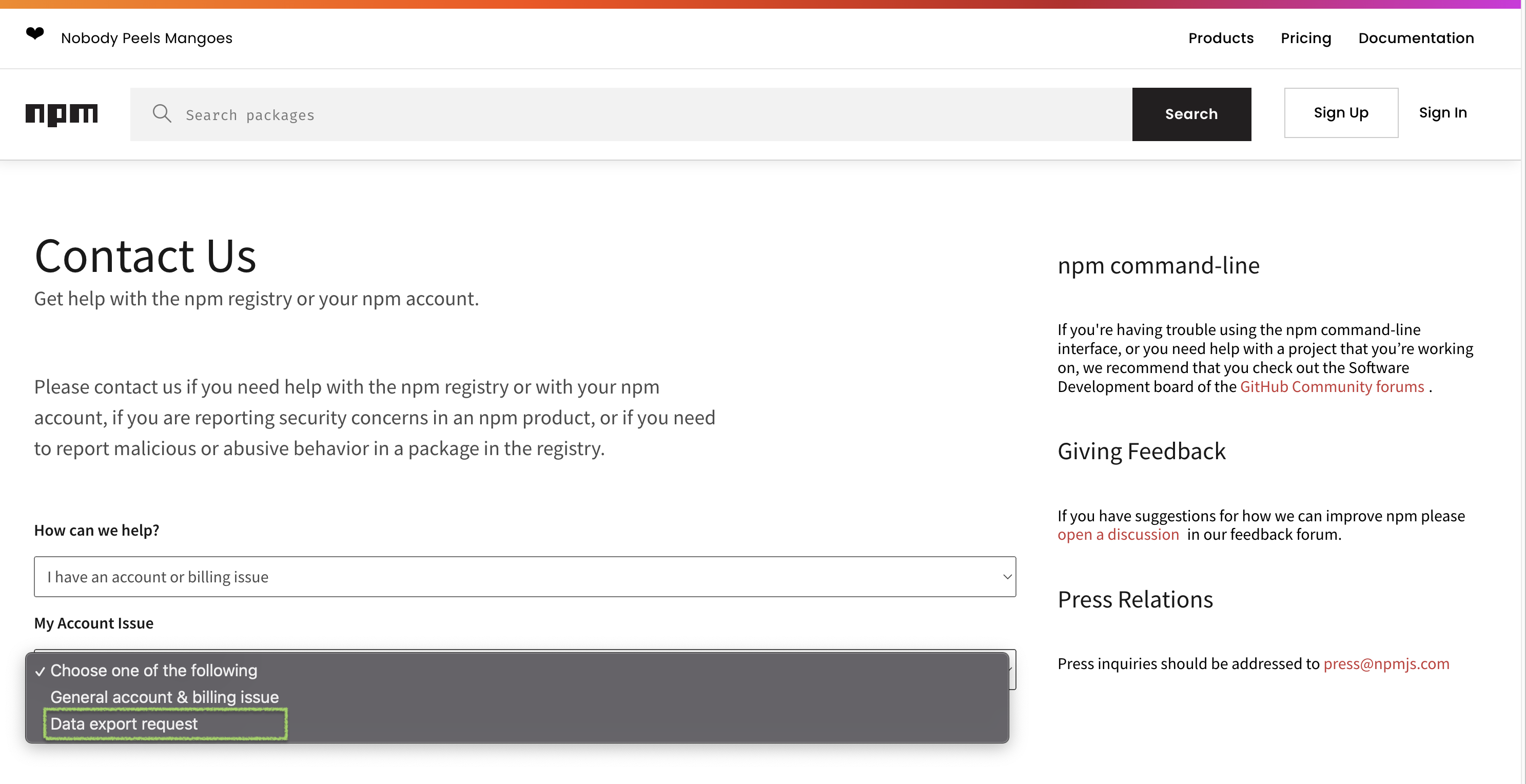
Fill in the details and submit the form
Retrieving the exported data
After a request is placed our support team will review it and initiate an export on your behalf. Once the export process is complete you will receive an email with a link to an archive of your personal data. You must be authenticated to npmjs.com to download this archive.
The download link will be available for 7 days, after which the exported data and the link is purged.